Beginner. 2 hours, 12 lessons.
AI in Excel
Get spreadsheet work done with AI help, and check it properly. Formulas, lookups, cleaning, pivots and macros, written by an assistant and verified by you.
Watch the intro, free
No sign up and no email required. A short introduction to the idea the whole course is built on.
AI in Excel, free intro
What the intro shows
The short overview of Lesson 1: the three places an AI assistant can sit relative to your workbook, what each one can actually see, and the one rule that makes all of it reliable. Never ask for a number, ask for the formula.
What you will be able to do
- Describe a sheet and a goal precisely enough to get a working formula on the first attempt
- Get data into a tidy shape that formulas and pivots can work with
- Use lookups, conditional totals, dates and text functions written by AI
- Test every formula against a row where you already know the answer
- Clean, deduplicate and validate messy data with AI help
- Turn a dataset into questions, PivotTables, charts and written commentary
- Automate repetitive work with macros and scripts, safely
- Keep company and personal data out of any AI tool that should not see it
Who this course is for
If you open a spreadsheet more than twice a week, this course is for you. Office and admin staff, accountants and audit assistants, HR and payroll, sales and inventory coordinators, teachers keeping marks and fee registers, and owners who keep their own books.
It assumes you already use Excel for real work. It does not start from zero, and it does not teach you to build AI.
What makes this course different
Excel calculates, AI writes the instructions, you verify. That division of labour is the whole course. You will never ask an assistant for a number. You will ask it for the formula, and then check that formula against a row where you already know the answer.
It teaches method, not menus. Excel and the AI tools around it change their screens constantly. The course teaches a way of describing your sheet and your goal that works on any assistant and any recent version of Excel.
Your data stays yours. Every figure in every lesson is invented. A full lesson covers what must never be pasted into an AI tool, and how to get the same formula for a salary sheet you are not allowed to share.
What you get
- 12 video lessons, 8 to 11 minutes each, about two hours in total
- A 67-page notes PDF, watermarked in your name, yours to keep
- A 20-exercise practical workbook built on three sample datasets from the notes
- A final test, graded the moment you submit it
- A verifiable certificate with a unique ID and a public verification page
- Lifetime access, including every future update to the course
Curriculum
Every lesson title, before you pay.
1 How AI Reaches Your Spreadsheet 1 lesson
- What AI can and cannot see in your spreadsheet Free 8 min
2 Getting Data Into Shape 2 lessons
- Tidy data, and long versus wide 9 min
- Describing your sheet, and what never to paste 8 min
3 Prompting for Formulas 2 lessons
- The SCOPE formula prompt 11 min
- Testing a formula, and fixing the error 10 min
4 The Formula Toolkit 3 lessons
- Lookups that actually work 10 min
- Conditional totals, dates and text 10 min
- The version problem, and formulas people can read 8 min
5 Cleaning, Standardising and Validating 1 lesson
- Cleaning, deduplication and validation 11 min
6 Analysis, PivotTables and Charts 1 lesson
- Questions, pivots, charts and commentary 11 min
7 Automating the Repetitive Parts 1 lesson
- Automating safely 10 min
8 Accuracy, Privacy and Accountability 1 lesson
- Accuracy, privacy and accountability 10 min
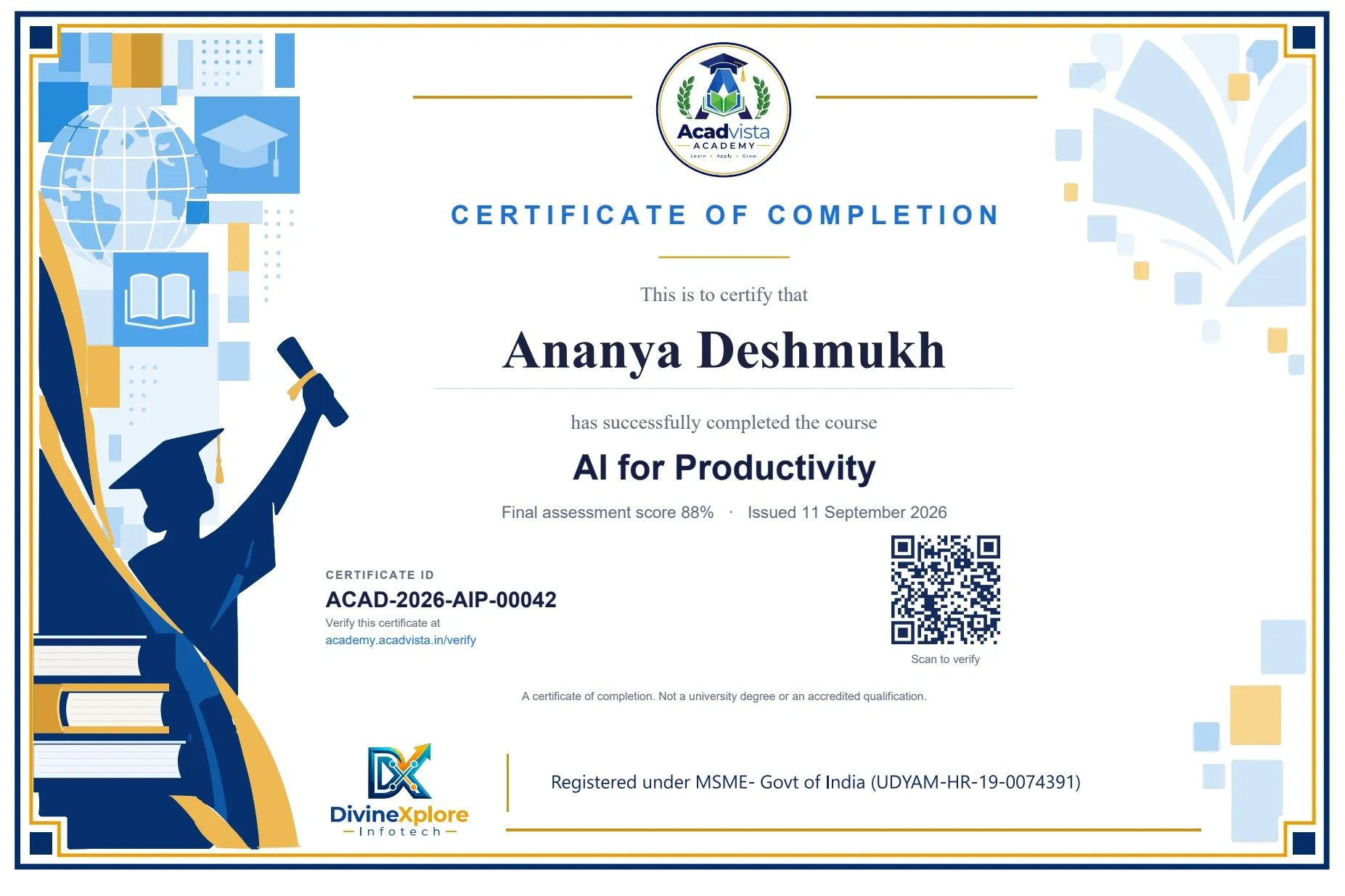
A certificate anyone can check
Pass the final test and your certificate is issued automatically, with a unique ID such
as ACAD-2026-AIP-00042
and a QR code. Anyone, including an employer, can verify it on this site without logging in.
Best value
Get these 3 courses for ₹399
- AI for Productivity
- AI in Excel
- Python in Pharmacy
Every notes PDF, workbook, test and certificate in each of the three, with lifetime access. ₹98 less than buying them one by one.
₹399 ₹1,500
Get the packQuestions people ask before paying
How much Excel do I need to know already?
Enough to open a workbook, type data and write a simple formula such as =SUM(B2:B20). The course does not teach where the ribbon buttons are. It teaches you to get the hard parts written for you, and to check them.
Which version of Excel and which AI tool?
Any recent Excel works, including the free web version, and any mainstream AI assistant on its free tier. Where a formula needs Microsoft 365, the notes show you how to ask for a version that works in Excel 2016 or 2019.
What language are the videos in?
Simple Hindi and English mixed, the way most offices actually talk. The notes and workbook are in clear English.
What exactly do I get?
Twelve video lessons, a 67-page notes PDF watermarked in your name, a 20-exercise practical workbook, a final test, and a verifiable certificate on passing.
Is my company data safe?
The course never asks you to paste real data anywhere. A full lesson covers what must never go into an AI tool, and how to get exactly the same formula from a description of the sheet instead.
Is the certificate recognised?
It is a certificate of completion from Acadvista Academy, with a unique ID that anyone can verify on this site without logging in. It is not a university degree or an accredited qualification, and we do not present it as one.
Can I get a refund?
The notes and videos are yours the moment you pay, so sales are final once access is given. That is why the intro video and every lesson title are free to see first, and you can ask us anything on WhatsApp before paying. If you are charged twice or cannot get access, we refund in full.
Still unsure? Ask us anything before you pay. We answer on WhatsApp, usually within the hour.
Ask on WhatsApp